Free
¥0
Free to download
- RAW capture and RAW import
- Basic editing and your own presets
- Export or share one photo at a time
- sRGB JPEG up to a 2048-pixel long edge
Rifelle
Capture the light. Make the photograph yours.
iOS: free to download · Pro ¥1,500 once, in Japan
Rifelle · iPhone
Save the light that catches your eye in RAW. Choose a photo. Refine its light and color. Time behind the camera, time with your photographs. All on your iPhone.
Capture a single RAW on a supported iPhone. Or start by importing RAW from Photos or Files.
Choose a photograph from your library and begin editing. Work through captured and imported photos at your own pace.
Basic editing and your own presets are free. Processing stays on your iPhone, with no account required.
RAW capture depends on your device and the selected camera.
Image quality
A little brighter. A little warmer. Work with the photograph in front of you until it feels right. Start with basic edits, then save a preset of your own.
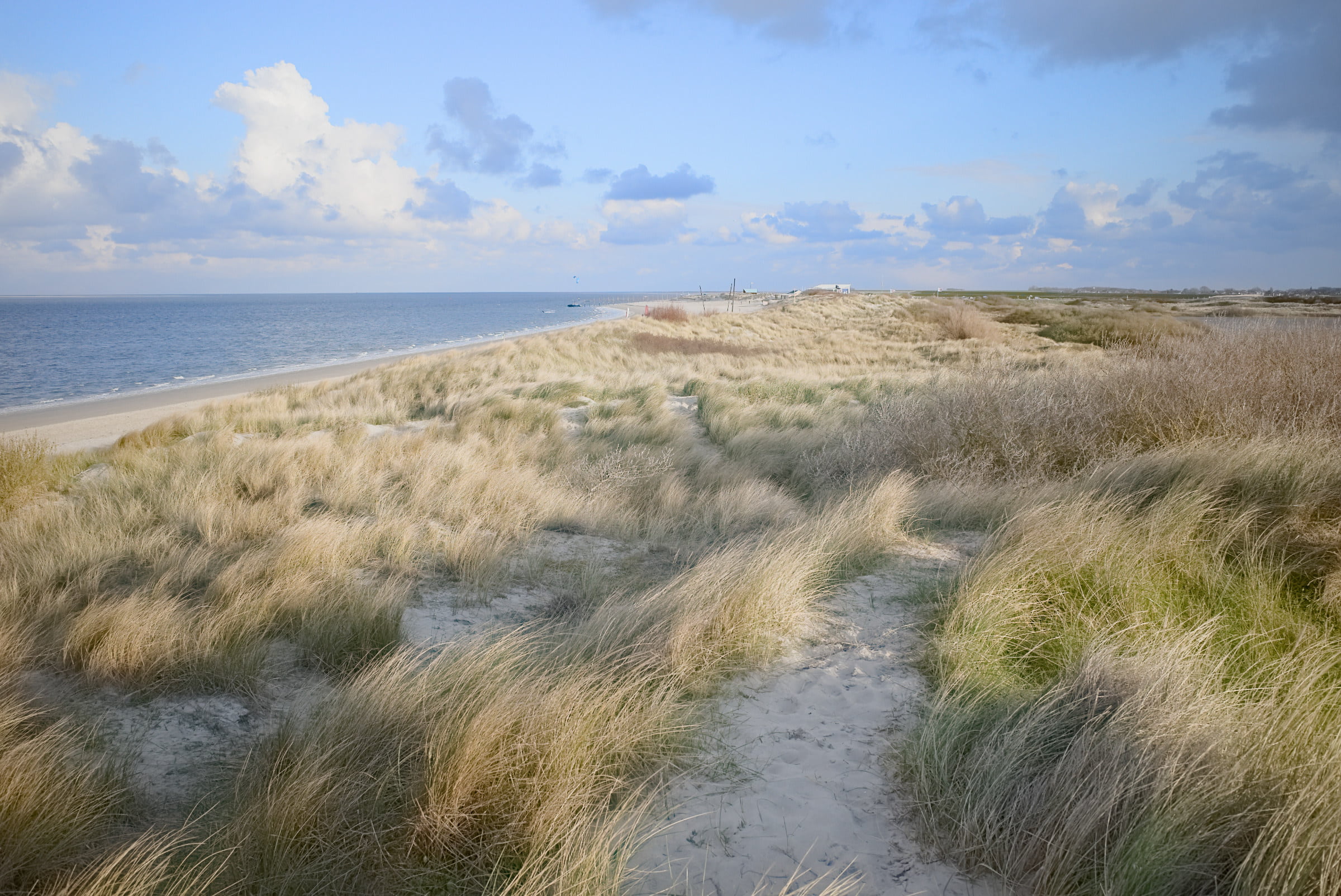
Adjust light and color to find the finish you like.
Keep the settings you love in your own presets.
Rifelle for Mac
Rifelle for Mac is being built on the same Look engine as iPhone, with iPhone integration planned.
Rifelle · iPhone
Capture and develop for free. Export larger. Share several photos at once. Pro unlocks both with a one-time purchase.
For iPhone with iOS 26 or later. No Pro trial. Your storefront’s price is shown before purchase. Export is limited by the original resolution, with no upscaling. Device limits may reduce the available size further.
Import DNG (including Apple ProRAW) and camera RAW (ARW, CR2/CR3, NEF, RW2, ORF, RAF, and more) from Photos or Files. RAW development depends on iOS camera support. JPEG and HEIC cannot be imported.
Save an sRGB JPEG to Photos, export to Files or share it. One photo at a time, up to a 2048-pixel long edge, is free. Pro supports up to 12 MP and exporting or sharing several photos at once.